Podcasting has evolved far beyond audio. Today, video podcasts dominate platforms like YouTube, Spotify, and TikTok. However, turning a long-form interview into bite-sized, social-media-ready clips is incredibly time-consuming. Manually finding key moments, cropping videos to vertical formats, and adding engaging subtitles can take hours of tedious work.
Fortunately, artificial intelligence has simplified this process. Modern AI video tools can automatically detect the most exciting parts of your podcast, crop them for mobile screens, and generate highly accurate subtitles. In this article, we will explore the best AI video tools that will help you grow your podcast audience with minimal effort.
1. Grok Imagine
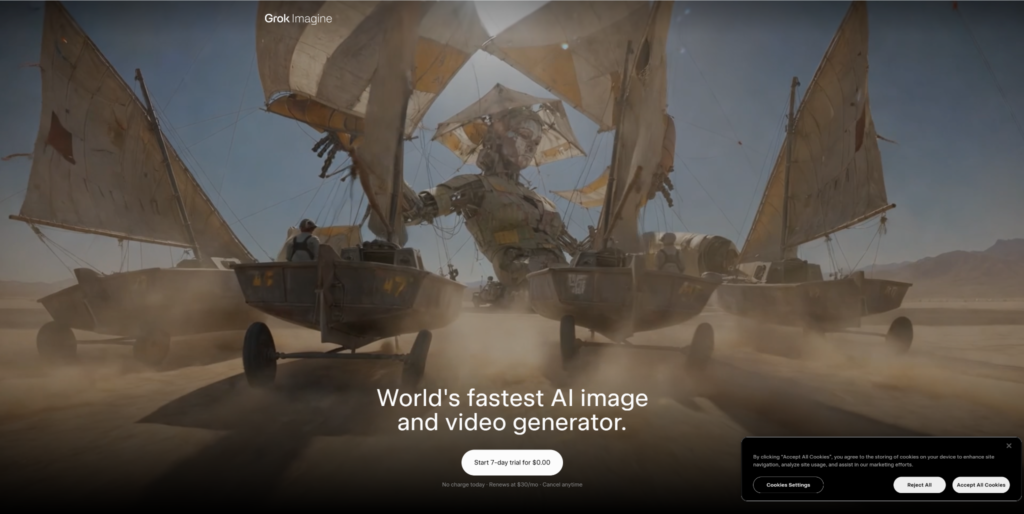
Grok Imagine has quickly become a standout tool for podcasters who want to inject high-energy, visual flare into their video clips. While originally known for its image generation capabilities, its advanced video-first framework allows podcasters to instantly optimize long-form recordings. The platform features an intelligent auto-clipping engine that listens to your podcast audio, identifies the most punchy quotes or funny segments, and extracts them into short, shareable clips.
Additionally, Grok Imagine features highly customizable subtitle templates. You can automatically generate word-by-word animated captions that sync perfectly with the speakers’ voices. It also allows you to quickly insert AI-generated b-roll or context-matching visuals based on what is being discussed in the audio, making it incredibly easy to keep viewers engaged on fast-paced platforms like TikTok and Instagram Reels.
2. Pollo AI
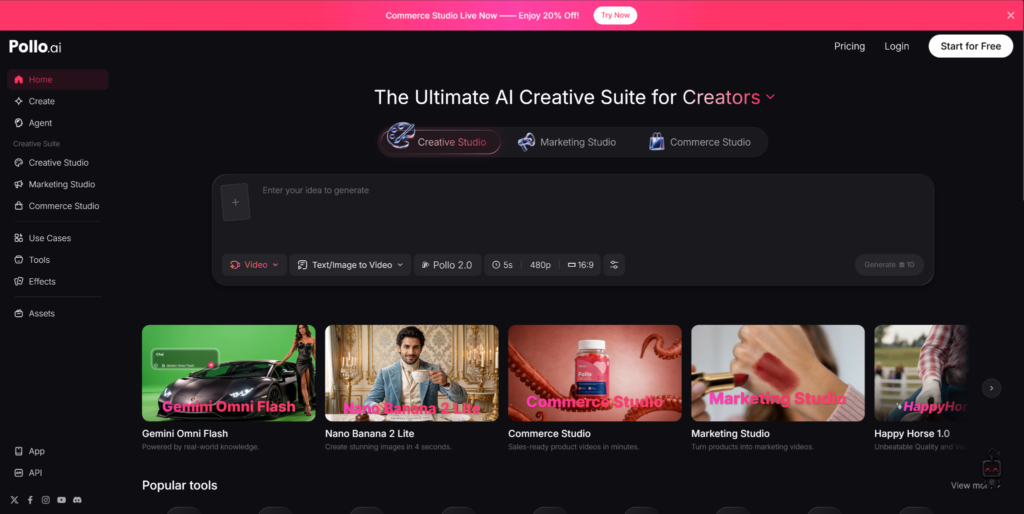
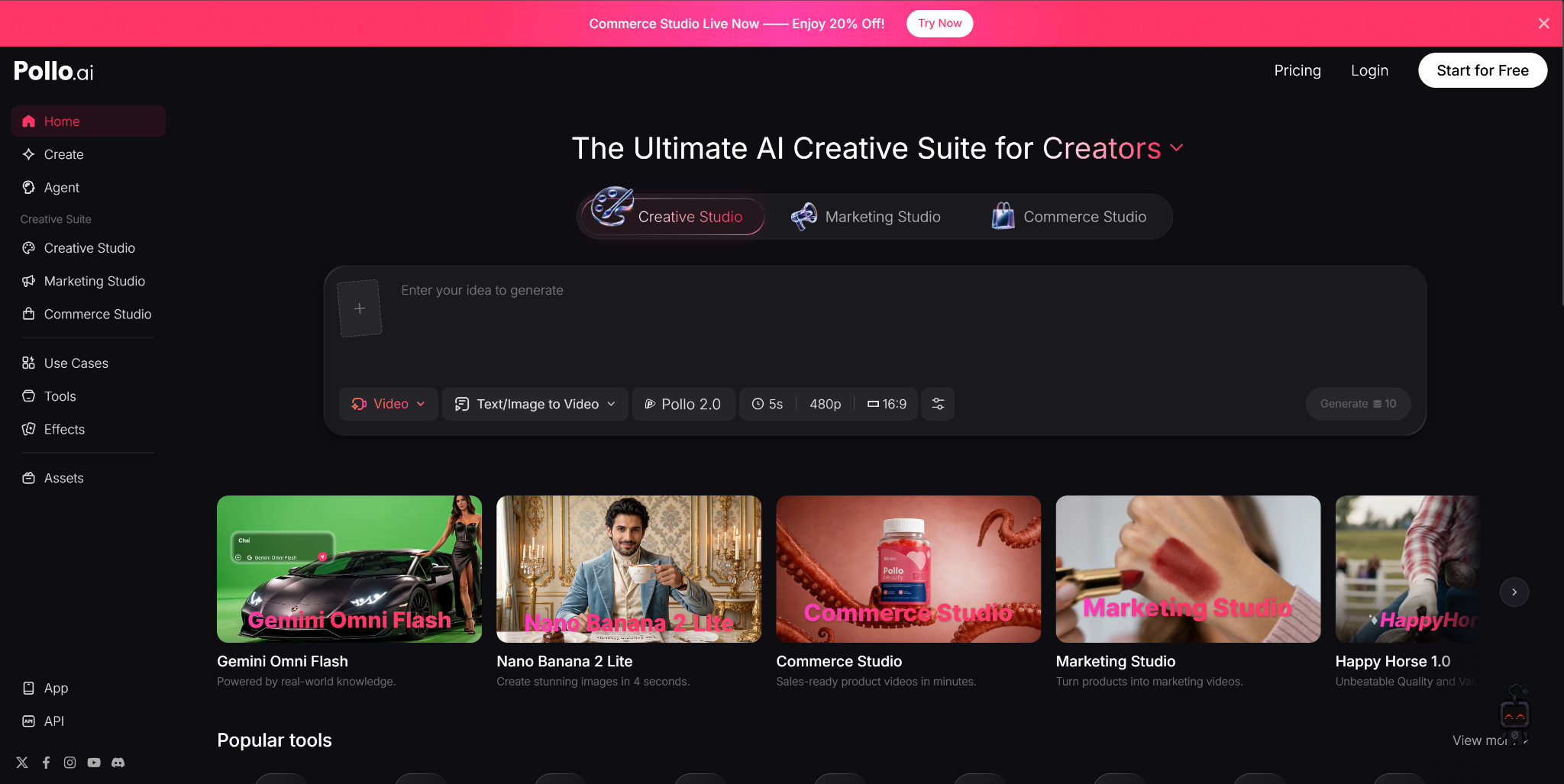
Pollo AI is a comprehensive, all-in-one creative suite that integrates multiple top-tier AI models under one roof, making it an incredibly versatile asset for modern podcasters. If your video podcast suffers from poor lighting or low-quality webcam feeds, Pollo AI’s powerful built-in video enhancer can automatically sharpen the footage, balance colors, and reduce background noise. This ensures your clips look highly professional and polished before they go live.
Beyond basic enhancements, Pollo AI excels at content diversification. If you have audio-only episodes, you can use its state-of-the-art AI avatar and testimonial video generator to create realistic digital presenters that read out key summaries or listener reviews. With its robust auto-clipping and smart subtitle features, Pollo AI allows you to turn a single podcast episode into an entire month’s worth of diverse, high-converting social media marketing videos.
3. Veo 3
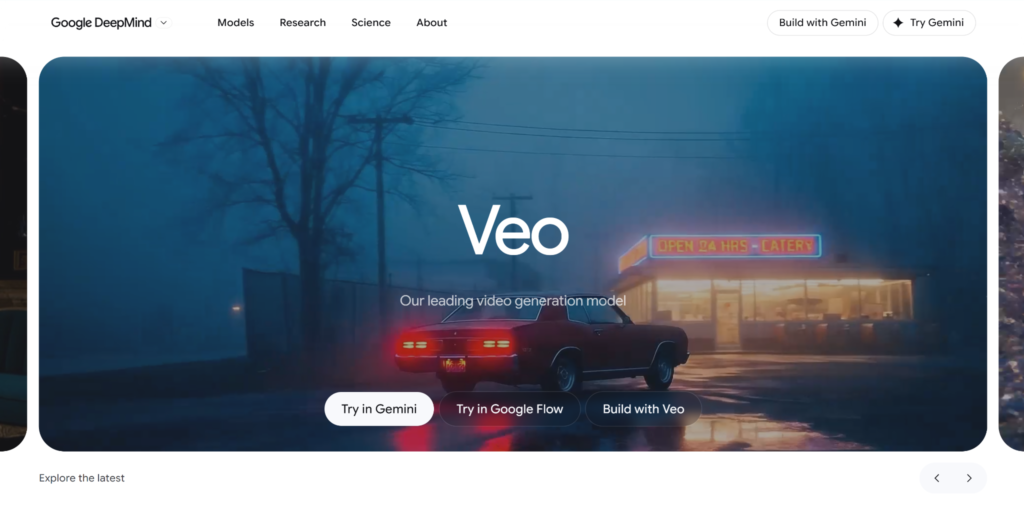
Veo 3 is a highly advanced generative video tool that focuses on premium visual storytelling and high-fidelity clip generation. Designed with a deep understanding of cinematic compositions, Veo 3 is perfect for podcasters who want their short-form content to look like high-budget studio productions. Its auto-clipping algorithm does not just look for spikes in audio; it analyzes facial expressions and physical gestures to capture moments of intense emotion or high drama.
Once the key moments are selected, Veo 3 applies intelligent reframing to keep the speaker perfectly centered in vertical formats, even if they move around in the original wide shot. The tool also boasts an exceptionally accurate subtitle engine that handles multiple speakers, cross-talk, and diverse accents seamlessly, applying clean, modern kinetic typography that matches your brand’s unique style.
4. Opus Clip
Opus Clip is a highly popular, specialized tool built specifically for turning long-form podcasts into viral shorts. Powered by advanced conversational analysis, the AI analyzes your video and scores moments based on their viral potential. It then automatically trims the selected clips, reframes the video to 9:16, and adds colorful, dynamic captions complete with emojis and highlighted keywords to maximize viewer retention.
The platform is designed to save podcasters as much time as possible. With a single click, Opus Clip delivers a collection of curated shorts, each accompanied by an AI-generated title and a brief description explaining why the clip is likely to perform well on social media. This makes it an invaluable tool for creators who want to maintain a consistent posting schedule across multiple vertical video platforms.
5. Munch
Munch is an all-in-one platform that focuses on aligning your podcast clips with current social media trends. It doesn’t just clip your video based on internal audio cues; it cross-references your podcast content with trending search queries, popular hashtags, and viral topics across major platforms. This ensures that the clips you generate are highly relevant to what audiences are actively searching for online.
Munch automatically crops your videos, extracts the most impactful segments, and generates stylized, highly readable subtitles. It also provides built-in social media analytics and auto-generated captions for your posts, allowing you to edit, optimize, and schedule your short-form content directly from a single dashboard. This trend-focused approach makes it a powerful tool for podcasters aiming for rapid audience growth.
6. Descript
Descript offers a unique, text-based approach to video editing that has made it a favorite among professional podcasters. Instead of editing your video using a traditional timeline, Descript transcribes your audio into text. You can then edit your video podcast simply by editing the document. If you delete a sentence or a filler word like “um” from the text transcript, the corresponding video is automatically cut.
This makes creating clips incredibly straightforward. You can highlight a paragraph of text, copy it to a new composition, and instantly generate a short clip. Descript also features powerful automated subtitles, active speaker detection, and a studio sound feature that removes background noise and restores low-quality microphone audio, giving your podcast a clean, radio-ready finish.
7. Riverside.fm
Riverside.fm is primarily known as a high-quality remote recording platform, but it has developed powerful AI-driven post-production tools that are perfect for podcasters. Riverside’s built-in clip creator uses AI to detect key moments from your recorded episodes and automatically formats them into vertical videos. It keeps the active speaker centered in the frame, making split-screen layouts look clean and professional.
The platform also generates highly accurate transcripts in over 100 languages, which can be converted into customizable on-screen subtitles with a single click. Because Riverside records audio and video locally on each participant’s device before uploading it to the cloud, the raw footage is always crystal clear, giving the AI video enhancer and clipping tools the best possible source material to work with.
Work Smarter, Not Harder
In today’s crowded media landscape, repurposing your long-form podcast into high-quality vertical clips is the best way to find new listeners. You don’t need a team of editors to keep up with the demands of social media.
By using creative tools powered by AI, you can automate the tedious parts of video production. AI will handle the clipping, reframing, and subtitling for you, leaving you with more time to focus on what you do best: hosting great conversations.